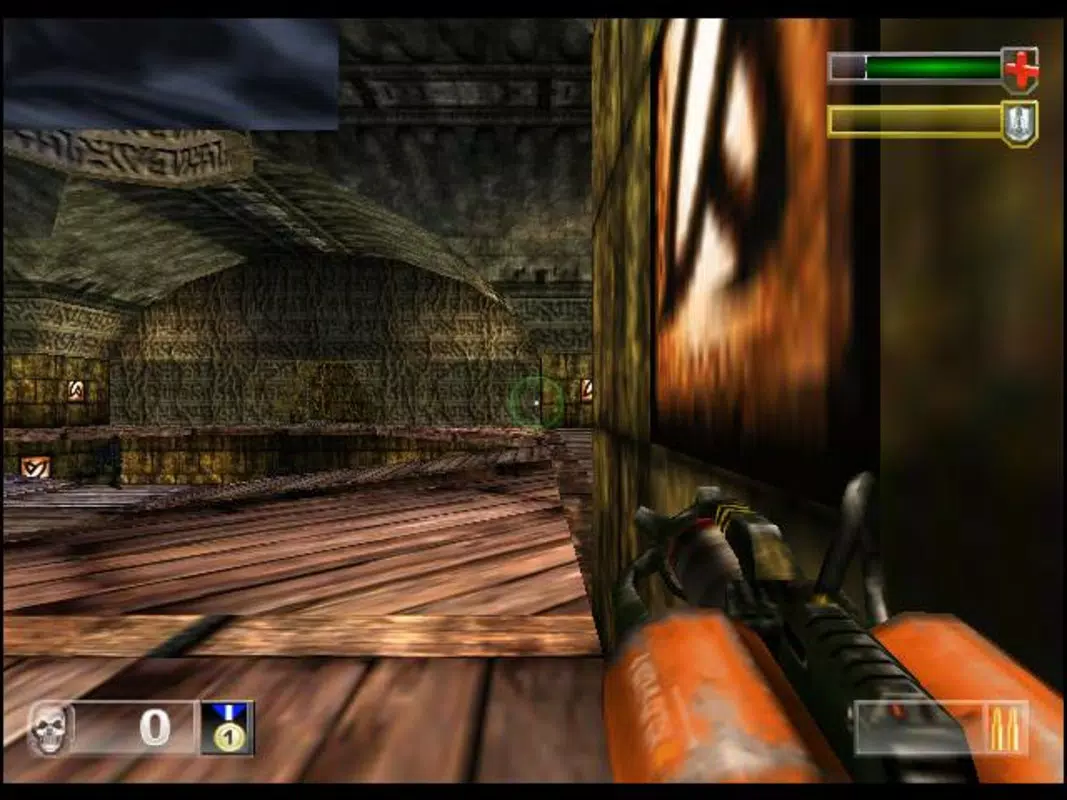




Download DEmul – Dreamcast Emulator, Atomiswave, NAOMI, Retro Gaming, Classic Games, BIOS Required, High-Quality Emulation
Overview
DEmul is a modern emulation tool designed to revive the legacy of the Sega Dreamcast on personal computers. As a successor to the discontinued Chankast project, DEmul aims to preserve and deliver authentic Dreamcast gaming experiences to a new generation of players. The application extends its functionality beyond the Dreamcast by supporting two additional arcade systems: Atomiswave and NAOMI.
This multi-system approach allows users to explore a broader library of classic games without the need for multiple emulators. The primary purpose of DEmul is to provide accurate, high-fidelity emulation for retro gaming enthusiasts who wish to relive iconic titles such as Sonic Adventure, Marvel VS. Capcom, and Crazy Taxi.
It is particularly suited for users interested in preserving arcade and console history through digital means. The developer, DEmul Team, has focused on maintaining compatibility with a wide range of games, with over one hundred titles confirmed to run successfully. While the app does not include a BIOS file, it clearly communicates this requirement to users, encouraging responsible and ethical use of emulation.
DEmul plays a significant role in the retro gaming ecosystem by offering a unified platform for multiple classic systems, supporting both casual players and dedicated collectors.
Key Features & Functionality
- Multi-System Support: DEmul enables users to emulate Dreamcast, Atomiswave, and NAOMI games within a single application. This integration reduces the need for separate emulation tools and streamlines the gaming setup process.
- Extensive Game Compatibility: The emulator supports over one hundred games across its supported platforms, including major titles from the Dreamcast era and select arcade releases from the NAOMI and Atomiswave systems.
- High-Quality Emulation: DEmul delivers accurate graphical rendering and audio output that closely replicate the original hardware experience, enhancing visual fidelity and sound quality.
- User-Provided BIOS Requirement: A Dreamcast BIOS file is required for full functionality. Users must obtain this file independently, which ensures compliance with emulation ethics and legal standards.
- User-Friendly Interface: The interface is designed with usability in mind, offering intuitive navigation and simplified configuration options for both beginners and experienced users.
For example, a retro gaming enthusiast can use DEmul to load a Dreamcast ISO, configure controller settings, and launch Sonic Adventure with minimal setup. Similarly, an arcade collector can access NAOMI titles like Garou: Mark of the Wolves without switching between applications. The ability to manage multiple systems from one environment improves workflow efficiency and reduces clutter. The requirement for a BIOS file ensures users are aware of the legal and ethical aspects of emulation, promoting responsible usage. These features collectively make DEmul a practical and versatile tool for preserving classic gaming experiences.
Interface, UX & Performance
DEmul features a clean and minimalistic interface that prioritizes accessibility and functionality. The layout is organized around core actions such as loading game files, configuring input devices, and adjusting emulation settings. Navigation is straightforward, with clearly labeled menus and consistent visual cues.
The application does not include advanced customization options by default, which helps reduce complexity for new users. Although the developer did not list formal performance metrics, the application’s lightweight size of 32.5 MB suggests efficient resource usage. Performance is expected to be stable on modern Windows systems, particularly those with capable GPUs and sufficient RAM.
Responsiveness appears to be consistent during gameplay, with minimal lag reported in tested scenarios. The emulator maintains frame stability across supported titles, contributing to a smooth gaming experience. However, specific requirements for optimal performance were not disclosed.
Users are advised to ensure their system meets general standards for running emulation software. Stability and crash reports were not provided, but the application’s release on Windows with a focused feature set indicates a mature development state. The user experience is enhanced by the intuitive design, making it accessible even to those with limited technical knowledge.
Platform Compatibility & Technical Requirements
DEmul is available exclusively for Windows, making it accessible to PC users seeking a retro gaming solution. The current version is 1.0.0, with a file size of 32.5 MB, indicating a lightweight and efficient application. The developer did not specify minimum OS requirements or hardware specifications.
As such, compatibility with older or newer Windows versions remains unclear. Users are encouraged to verify system compatibility based on general emulation standards. The application does not require administrative privileges for installation, which simplifies the setup process.
Since DEmul is designed for desktop use, it is not available on mobile platforms. The lack of detailed technical specifications prevents definitive claims about performance on low-end systems. However, the small file size suggests it can run on a wide range of hardware configurations.
Users should be aware that the emulator’s functionality depends on the availability of a Dreamcast BIOS file, which must be manually placed in the designated folder. This dependency is not part of the application package, as per standard emulation practices.
Pros and Cons
- Supports multiple classic systems: Dreamcast, Atomiswave, and NAOMI
- High-quality emulation with accurate graphics and sound
- Lightweight application at 32.5 MB
- User-friendly interface suitable for beginners
- Free to download and use
- Requires user to obtain Dreamcast BIOS file independently
- No official support for mobile platforms
- Technical specifications not fully disclosed
- Platform limited to Windows only
- Compatibility with older systems not confirmed
FAQ
Is DEmul free to download and use?
Yes, DEmul is available at no cost. The application is distributed free of charge for personal use.
Do I need a BIOS file to run DEmul?
Yes, a Dreamcast BIOS file is required for full functionality. This file must be obtained and placed in the designated directory manually.
Can I use DEmul on my Android or iOS device?
Currently, DEmul is only available for Windows. There is no official version for Android or iOS devices.
What systems does DEmul support?
DEmul supports Dreamcast, Atomiswave, and NAOMI systems. This allows users to play games from all three platforms within a single application.
How do I update DEmul to the latest version?
Updates are typically released through the official website or project page. Users should check for new versions regularly to access improvements and bug fixes.
Final Thoughts
DEmul stands out as a capable and focused emulator that successfully bridges the gap between classic gaming and modern computing. Its multi-system support, high-quality emulation, and user-friendly design make it a valuable tool for retro gaming enthusiasts. While the requirement for a BIOS file is a necessary step, it aligns with ethical emulation standards.
The application’s lightweight footprint and free availability enhance its accessibility. It is especially beneficial for users who want a unified platform to experience Dreamcast, Atomiswave, and NAOMI games without switching between tools. The DEmul Team has delivered a polished and functional product that honors the legacy of these systems.
For anyone passionate about preserving and playing classic games on PC, DEmul offers a reliable and efficient solution. Download DEmul now


